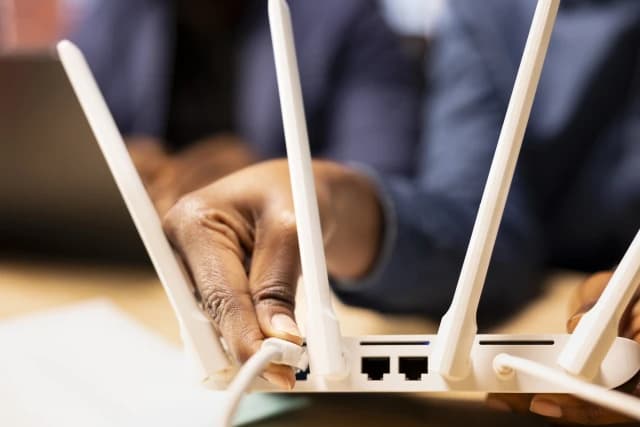
The "Good Enough" Security Model
You don't need to be the NSA. You just need to be harder to hack than your neighbor.
Most automated botnets look for low-hanging fruit: default passwords, open ports, and outdated firmware. If you fix these three things, you eliminate 99% of the risk.
1. The "Guest Network" Trick
Most modern routers allow you to create a Guest Network.
- The Old Way: Use it for when Aunt Linda visits.
- The Pro Way: Use it for your cheap smart bulbs and sketchy fridge.
IoT (Internet of Things) devices are notoriously insecure. By putting them on a Guest Network, you isolate them. If your smart toaster gets hacked, the attacker creates a foothold... inside a network that can't see your laptop or your tax returns.
2. Kill UPnP (Universal Plug and Play)
UPnP is a convenience feature that lets devices automatically open ports on your router to talk to the internet.
Turn it off.
It is essentially a "welcome mat" for malware. If you need to open a port for a game console, do it manually. Don't let your printer decide what ports should be open to the world.
3. WPA3 is Non-Negotiable
If you are still using WPA2, you are vulnerable to "de-auth" attacks where someone can kick you off your own Wi-Fi and capture your handshake to crack your password.
Go to your router settings > Wireless Security > Select WPA3-Personal.
Note: Some very old devices (pre-2018) might stop working. Put those on the Guest Network (which can stay on WPA2/WPA3 mixed mode).
Final Thought
Your ISP-provided router is likely garbage. If you are paying $10/month to rent a plastic box from Comcast, stop. Buy a mesh system (like Eero or TP-Link Deco). It pays for itself in a year and actually receives security updates.